By Nick Gelling
Product Test Journalist | Kaipūrongo Whakamātautau Hautaonga
It’s under a week until the Paris 2024 Olympics start. While the Opening Ceremony will kick off on Friday night Paris time, for us in New Zealand it’ll be early Saturday morning. Have you figured out how you’ll be watching all the action?
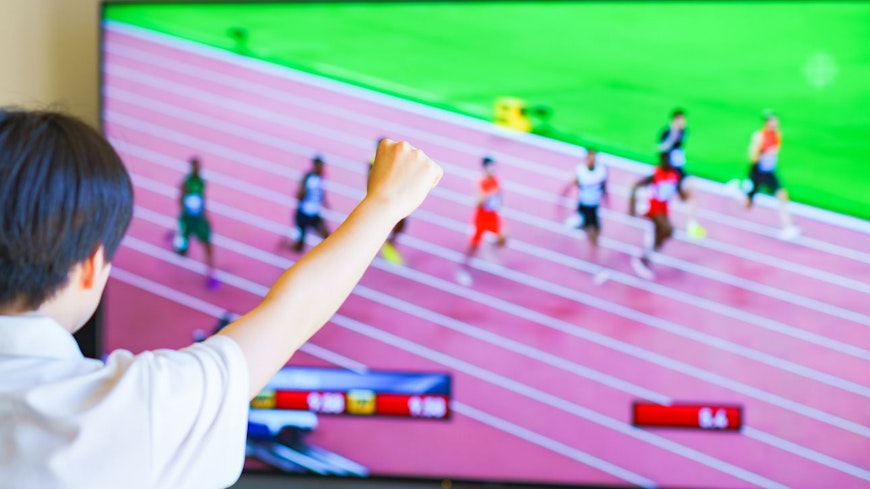
Sky has the exclusive TV rights to cover the games, but if you don’t have Sky, it doesn’t mean you’ll miss out. You will have to become nocturnal for a little while to see most of it live, though – the time difference means a lot will happen overnight for us.
If you already have Sky
Sky is broadcasting more Olympics coverage than you could possibly want, across 12 sports channels. You can add Sky Sport to your Sky subscription for $42 a month while the Olympics is on. Just don’t forget to remove the Sport package once you’re finished.
How to stream the Olympics
People without Sky can still access sport through Sky’s streaming service, Sky Sport Now. An Olympics Games Paris 2024 Pass is available for $35, letting you stream Sky Sport for the length of the games. Unlike other subscription options, the Olympics pass doesn’t roll into an ongoing payment, so you don’t have to remember to cancel.
How to watch the Olympics for free
High-profile events will be featured on Sky’s free-to-air channel Sky Open, which used to be called Prime. Most events featuring New Zealand athletes will be free-to-air, due to public interest in the results.
Because there are dozens of sports to squeeze onto just one channel, coverage will chop and change often, and you’ll have no control over what you watch. Still, nothing beats free.
There are two main ways to watch Sky Open. If you have access to Freeview, it’s channel 15. Otherwise, you’ll need to install the Sky Go app or use the website.
Can I use a VPN to watch overseas Olympics coverage?
Some people may prefer to watch foreign Olympic coverage – for example, if you’ve immigrated to New Zealand you might want to hear commentary and analysis from your home country.
A virtual private network (VPN) provider lets you route your internet traffic through an overseas server, making it appear as if you live elsewhere. That lets you sign up to overseas streaming services that are also broadcasting the Olympics, such as Peacock in the USA or 9Now in Australia.
However, the International Olympic Committee (IOC) has advised that using a VPN to watch the Olympics will breach the Copyright Act and the VPN provider's or overseas broadcasters' terms and conditions. The IOC requires broadcasters to monitor and limit remote VPN access from overseas, so they'll likely be more vigilant than normal.
Need a new TV to watch the Olympics? You’re in luck
The Olympics has fallen at a very good time if you’re thinking you might need a better TV to watch the sporting action on. It’s TV release season, so all the new 2024 models are currently being given showroom space while last year’s TVs are likely to be heavily discounted.
What’s the best TV to buy in the sales?
There’s one brand that would always be our first choice when buying a TV. If you’re a Consumer NZ member, head to our televisions overview to see which TV brand we love, as well as our picks for:
Top-performing TV overall
Best 55-inch TV
Best budget buy
How to choose a great TV for watching sport
If you love watching sport, these are the two most important things to remember when buying a TV:
Good performance in HD resolution
In the showroom, TVs are set to display the richest, most detailed content they can. But Sky Sport doesn’t broadcast in 4K, so HD picture quality is much more important. You can use our TV test results to compare models on how good their SD, HD and 4K picture quality is.
How good the speakers are
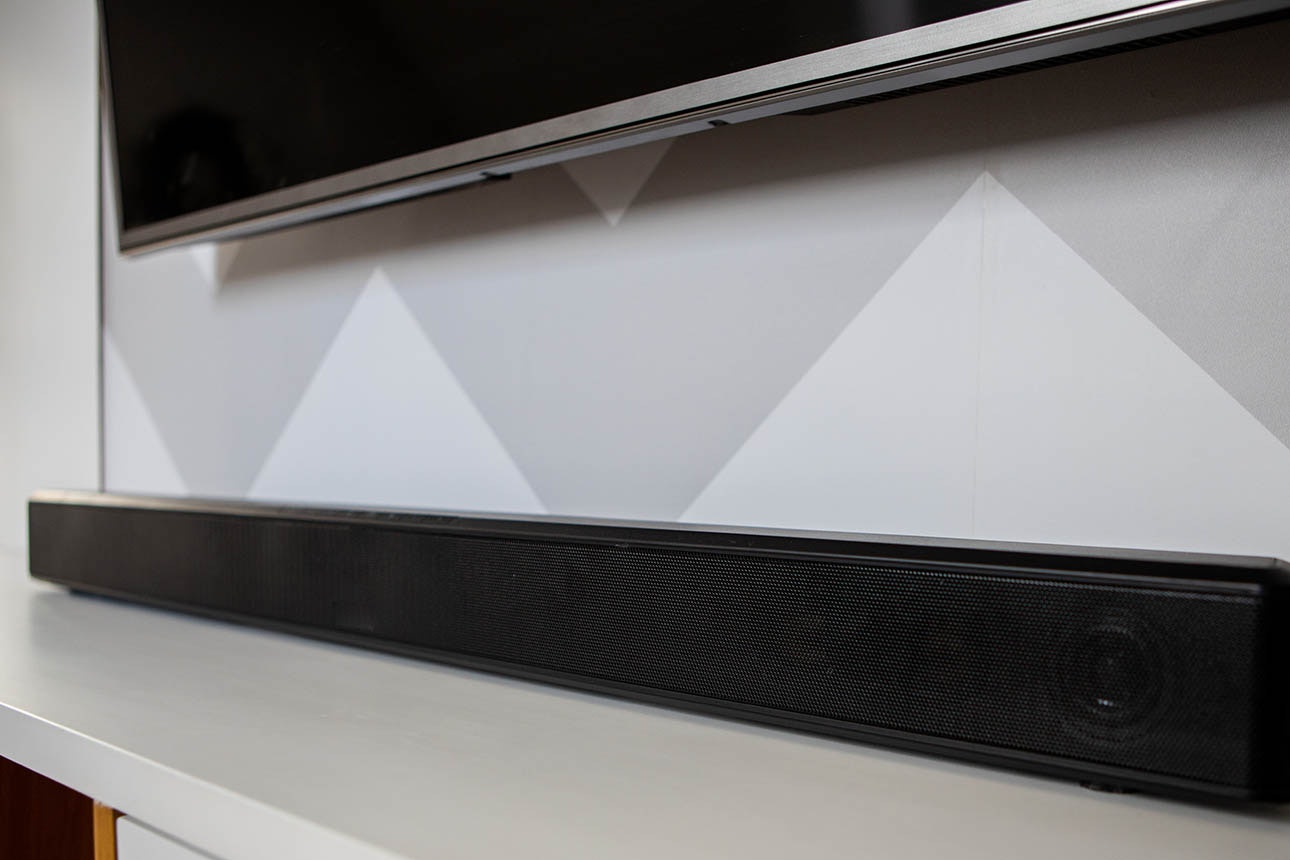
From the tense atmosphere of an athletics stadium to the frenetic dinking of a table-tennis rally, sport is best with immersive sound. Flat-screen TVs have better audio than they used to, but some still require a separate speaker solution such as a sound bar. We assess sound quality as part of our TV test, so it makes it easy for you to tell if you’re buying one with good sound without having to crank up the volume in the showroom.
TIP: If your TV has a “sport mode”, we don’t recommend using it to watch the Olympics. Sport modes, and other “dynamic” viewing modes, make everything look fake. We think the default “normal” mode is better for live entertainment. This article on improving your TV’s picture explains how to get the settings just right.