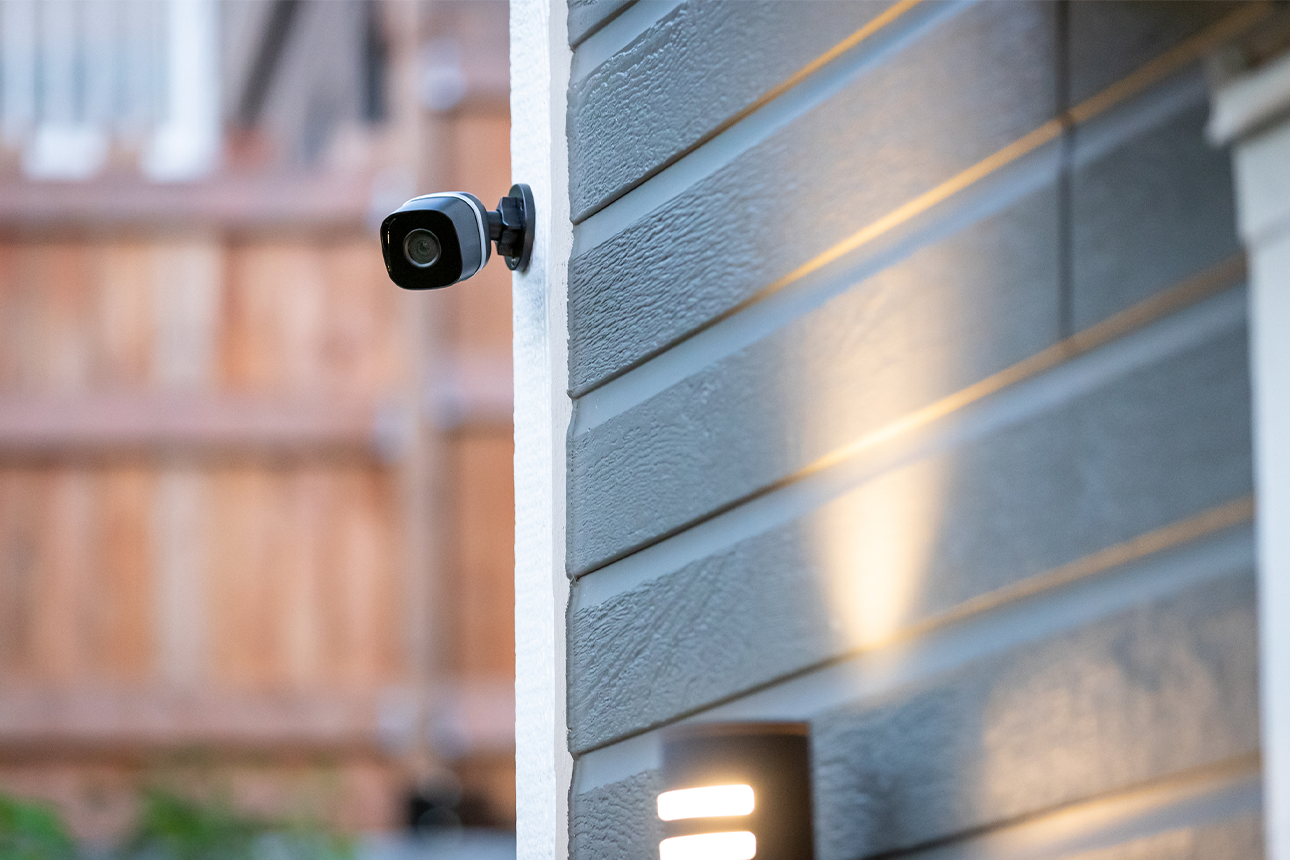
A security camera should protect your home. It shouldn’t put your privacy at risk or stop working because the manufacturer stops providing support after a short time.
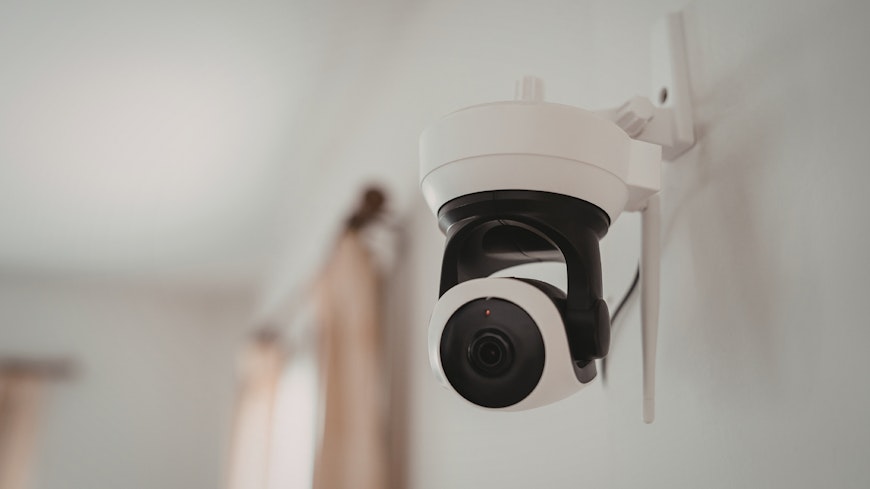
Some brands only guarantee firmware updates for a year or two. Firmware is built-in software that controls how a device works. When a device no longer has firmware support, it won’t receive bug fixes, performance improvements or new features. Over time, it may lose some functionality, become incompatible with newer devices or software, or stop working altogether.
Even if a security camera continues to function for a time after support ends, it’ll be more vulnerable to new threats and hacking methods as they emerge. Risks include unauthorised access to your camera footage, WiFi network and connected devices.
If you’re particularly unlucky, hackers might find passwords and access personal information to steal your identity and your money. And you won’t necessarily know you’ve been hacked.
There have been dozens of reports of security cameras in New Zealand being hacked, with thousands
more affected worldwide. These include home security devices and business CCTV systems, showing footage of living rooms, driveways, supermarkets, restaurants and bars.
In some cases, hackers have posted links to feeds on websites that publicly share hacked camera footage, allowing anyone to watch private video streams without permission. These sites sometimes also share passwords and camera GPS coordinates.
Many incidents have involved hackers spying on private spaces. In the United States in 2019, families in multiple states reported unauthorised access to their Ring brand cameras, including those in children’s bedrooms. The hackers used two-way audio for verbal abuse, threats and blackmail. Since that time, Ring has taken several steps to improve security. But these events demonstrate the serious risks security cameras can face.
Security camera support policy comparison
So which security camera brands have a support policy (also called an end-of-life policy) that’s easy to find and understand? And which brands offer the longest support periods?
We looked through the websites of the brands whose home security cameras we’ve tested, plus a few other brands available in New Zealand. We also attempted to make contact via email, asking about each brand’s support periods and policies.
Here’s a summary of what we found. Note that EOL refers to ‘end of life’ – that is, when a product is discontinued.
Even when a minimum support period is provided, the starting point can vary. Brands often state it’s when a device was last sold or manufactured. But, in the case of EZVIZ and Google Nest, the minimum support period starts from when their products are first sold. That makes it harder to work out how long support will be provided and shortens the support window for those who buy later.
Where we didn’t find clear information about a brand’s minimum support period online or in response to our email, we’ve assumed its warranty period is the minimum.
We don’t think any of the brands offer outstanding support. For home security cameras costing less than a few hundred dollars, Arlo’s 5-year minimum support period, with at least 4 years to EOL, is reasonable.
Blink’s and Ring’s 4-year minimum security support period is acceptable, but we think the minimum should cover comprehensive firmware support – not just security updates. We also think the minimum support period should be longer for products that cost more.
For the brands in the bottom half of the table, support might only be provided for a couple of years. Would you spend thousands for one of their devices? We found a home security camera kit from Eufy for $2,400 and one for $6,100 from Ubiquiti – neither brand has a support policy that we can find.
Your brand new camera could already be unsupported
It’s possible to inadvertently buy a product that’s already stopped receiving support. Stock is often available from retailers for some time after the end of manufacture. You might even choose an EOL product if it’s cheaper. But it may not be the bargain you think it is, since EOL means the end of support for some brands.
Also, EOL products aren’t always marketed as such. At the time of writing this article, the D-Link DCS-8300LHV2 home security camera is being sold by nine retailers and online marketplaces. None of the retailer listings state the camera is EOL. In fact, one labels it as a “new arrival”.
Yet D-Link’s website clearly marks the camera “End of Life” and states “Hardware and software engineering support is no longer provided for this product”.
How to use the law if you need to
In some parts of the world, such as the UK, there are laws requiring manufacturers to publish minimum security update periods for their internet-connected devices. New Zealand doesn’t currently have specific legislation of this kind.
But you’re protected under the Fair Trading Act (FTA) and Consumer Guarantees Act (CGA), irrespective of any support policy and warranty a manufacturer provides. These laws apply when buying from anyone in trade – that is, selling goods or services (new or secondhand) as part of business – to New Zealand consumers.
Your rights are the same whether you buy in store or online, even from an overseas seller. But it can be difficult to enforce your rights when dealing with traders outside New Zealand.
Fair Trading Act
The FTA prohibits anyone in trade from misleading consumers. It requires suppliers of products and services to provide clear and accurate information about the products and services they’re selling. Important information can’t be left out or hidden.
In our view, the date that the manufacturer intends to stop providing the firmware updates that keep a device secure and functioning well is key information. This date must be made clear to consumers when shopping.
Consumer Guarantees Act
Under the CGA, products sold in trade must be fit for purpose and of acceptable quality. This includes being free from defects, safe, durable and doing what they are made to do considering the product type, the information supplied at purchase and the price.
If firmware updates are needed to ensure a device remains secure and functional for a reasonable time, then those updates must be provided.
These FTA and CGA requirements are not met for the D-Link camera mentioned earlier. Irrespective of price, it’s not of acceptable quality, given its EOL and no longer supported. And that’s not clear in the retailers’ listings.
Even if the camera would receive firmware updates for a short time after purchase, we think the limited support period must be clear in promotional material. And the camera should be priced accordingly.
If you were unhappy to find you’d bought a device with limited or no support, the retailer must put things right. Since it’s unlikely the manufacturer would extend firmware support, you’d be entitled to a replacement or refund. Any replacement must meet CGA requirements, including having a reasonable support period.
In our view, these provisions apply even if the device hasn’t yet experienced any problems. The device isn’t durable, and a reasonable consumer wouldn’t have bought it if they’d known about the short- term or non-existent support at the time.
Disputes Tribunal
If the retailer refuses to remedy the situation, you can take the issue to the Disputes Tribunal. That’s easiest with a New Zealand-based retailer. And of course, tribunal claims can take time and be stressful.
8 ways to improve smart device security
1. Change default passwords: Set strong, unique passwords for your WiFi network plus your router login and all other devices and accounts.
2. Create a separate WiFi network: Set up a guest or secondary WiFi network for smart devices to isolate them from your computers and phones.
3. Use two-factor authentication (2FA): This is a second login step, such as a code sent to your phone.
4. Keep firmware and apps updated: Enable automatic updates when possible – otherwise, check for them regularly.
5. Choose devices wisely: Buy brands that guarantee long- term firmware support.
6. Avoid accessing your devices via public WiFi: Only check cameras and other smart devices when connected to a private network.
7. Monitor your devices: Investigate any suspect behaviour – for example, cameras turning on or settings changing unexpectedly. Change your password if anything seems odd.
8. Don’t have security cameras in private spaces: Avoid installing cameras in bedrooms and other private areas.